

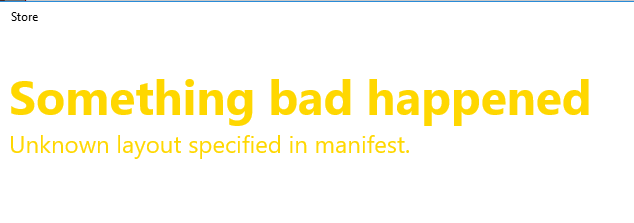
Has anyone found a working fix for when the store won't load and just gives the "something bad happened, unknown layout specified in manifest" error? I've tried the wsreset.exe, repairing the app from Settings, and the longer commandline fix from Powershell as administrator with no luck.
The Windows troubleshooter will find that the store cache is damaged but it wont fix it.
edit: ok I should also show what the Powershell says after inputting this command:
powershell -ExecutionPolicy Unrestricted Add-AppxPackage -DisableDevelopmentMode -Register $Env:SystemRoot\WinStore\AppxManifest.xml
The Windows troubleshooter will find that the store cache is damaged but it wont fix it.
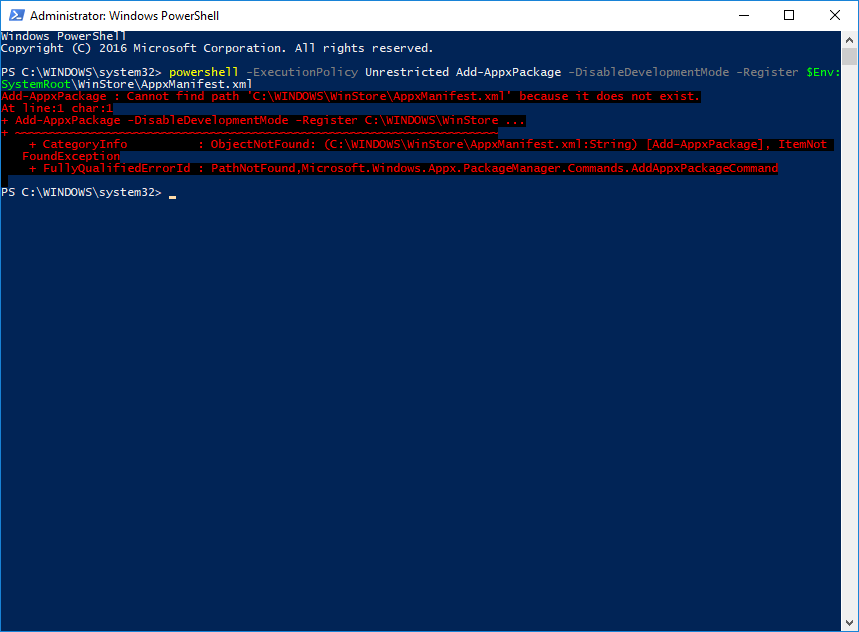
edit: ok I should also show what the Powershell says after inputting this command:
powershell -ExecutionPolicy Unrestricted Add-AppxPackage -DisableDevelopmentMode -Register $Env:SystemRoot\WinStore\AppxManifest.xml
Last edited:


