xentr_theme_editor

  • Please do not post any links until you have 3 posts as they will automatically be rejected to prevent SPAM. Many words are also blocked due to being used in SPAM Messages. Thanks!

3D Printer Essentials? (Or maybe better named as "Adventures in Newb 3D Printing" )

So that technically isn't a set or grub screw, just a standard cap head. M3 is a common size for those. And that's a solid clamp style coupler. On the flexible couplers I see on CNC machines, there is a grub screw perpendicular to the long axis that sits on the flat of the motor shaft to keep it from slipping. Not needed on printers with light motors and gantry weights. Like this:
flexible_coupling_5mmx8mm_800x800_02__73693.1480809290.JPG
 
xentr_thread_starter
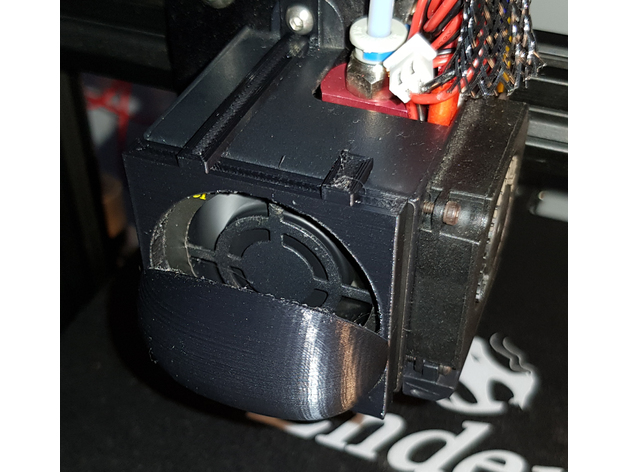
In the absence of a Bullseye cooling mod (going to wait until I get a new mainboard before mixing up stock merlin to allow for non-stock offsets for the BLTouch) I wasn't happy with the fact that strings were often being sucked into the hot end cooling fan so it was time for another printer mod....


Took a couple of prints to get it right (supports @ everywhere / 60deg did the trick for me) but once printed it fit well and seems to do the trick.

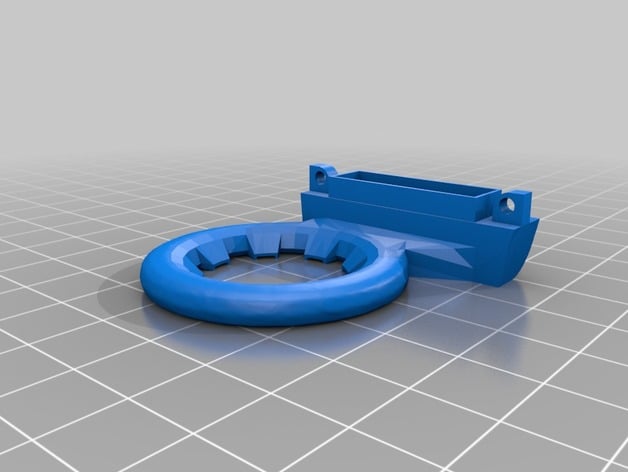
I'm also running this particular nozzle cooler until I get a chance to start using the bullseye again....


Not sure how effective it is (seems to me one of the video reviews didn't seem to think it was doing anything at all.... :) ) but it printed fine and fit well.

edit: Currently working on a printed Rose and "happy birthday" stand for my better half's B'day next week.

edit2: Also printed off one of these recently and it worked like a charm....


The mount I had in my current build was using stand-offs directly from the SSD's mounting screw holes and it wasn't a perfectly straight fit to the mounting holes/grooves on the case. This allowed me to drill out holes in the plastic mount which matched up perfectly.
 
Last edited:
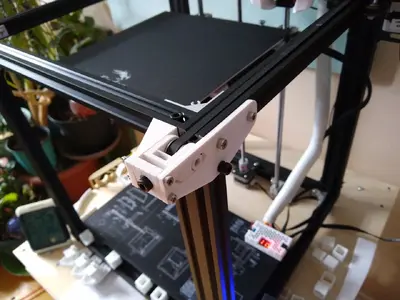
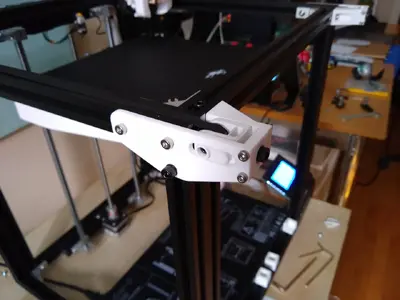
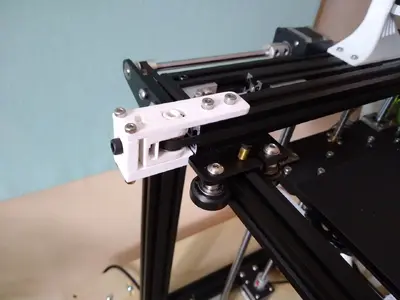
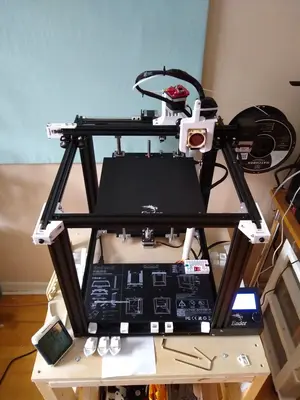
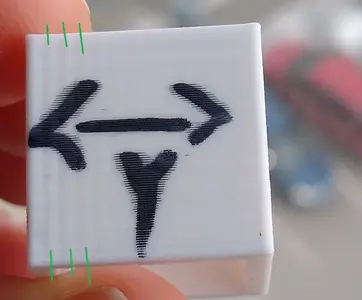
I just finished these tensioners.. I dont see any improvements in print quality, actually I see very little print quality in any of the mods I printed lol!
Ive got one more mod and off to printing normal stuff..

IMG_20200229_145929925.webpIMG_20200229_145938171.webpIMG_20200229_145942383.webpIMG_20200229_145950538.webp

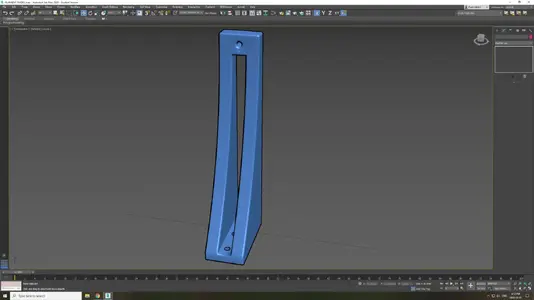
I designed this today (filament guide), printing it now...

filament guide.webp
 
After all these mods im still getting the Z wobble/banding. I watched this as like the very very last thing to try to get rid of the Z wobble/banding. And the guy installed the linear rails without any real improvement. He mentioned that your best bet with the ender 5( as its already a very accurate printer) is to get the upgraded motherboard to reduce the vibrations (and noise) on the stepper motors. This made me think, by installing the belt tensioners, the stepper motors are getting much more force on them and the fact that I removed 2 of the 4 bolts on the steppers to install the dampers is probably not the best combo.

Im gonna return the dampers and get the motherboard upgrade instead. This way I can have the strength back on the steppers and allow more tension on the belts while improving noise and quality ! right?
 
After all these mods im still getting the Z wobble/banding. I watched this as like the very very last thing to try to get rid of the Z wobble/banding. And the guy installed the linear rails without any real improvement. He mentioned that your best bet with the ender 5( as its already a very accurate printer) is to get the upgraded motherboard to reduce the vibrations (and noise) on the stepper motors. This made me think, by installing the belt tensioners, the stepper motors are getting much more force on them and the fact that I removed 2 of the 4 bolts on the steppers to install the dampers is probably not the best combo.

Im gonna return the dampers and get the motherboard upgrade instead. This way I can have the strength back on the steppers and allow more tension on the belts while improving noise and quality ! right?

Don't buy a Creality motherboard. They are expensive and outdated. Buy the SKR like @sswilson.
 
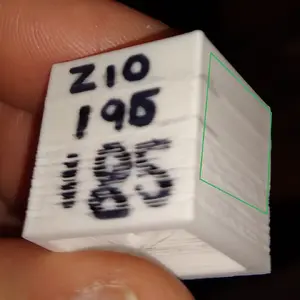
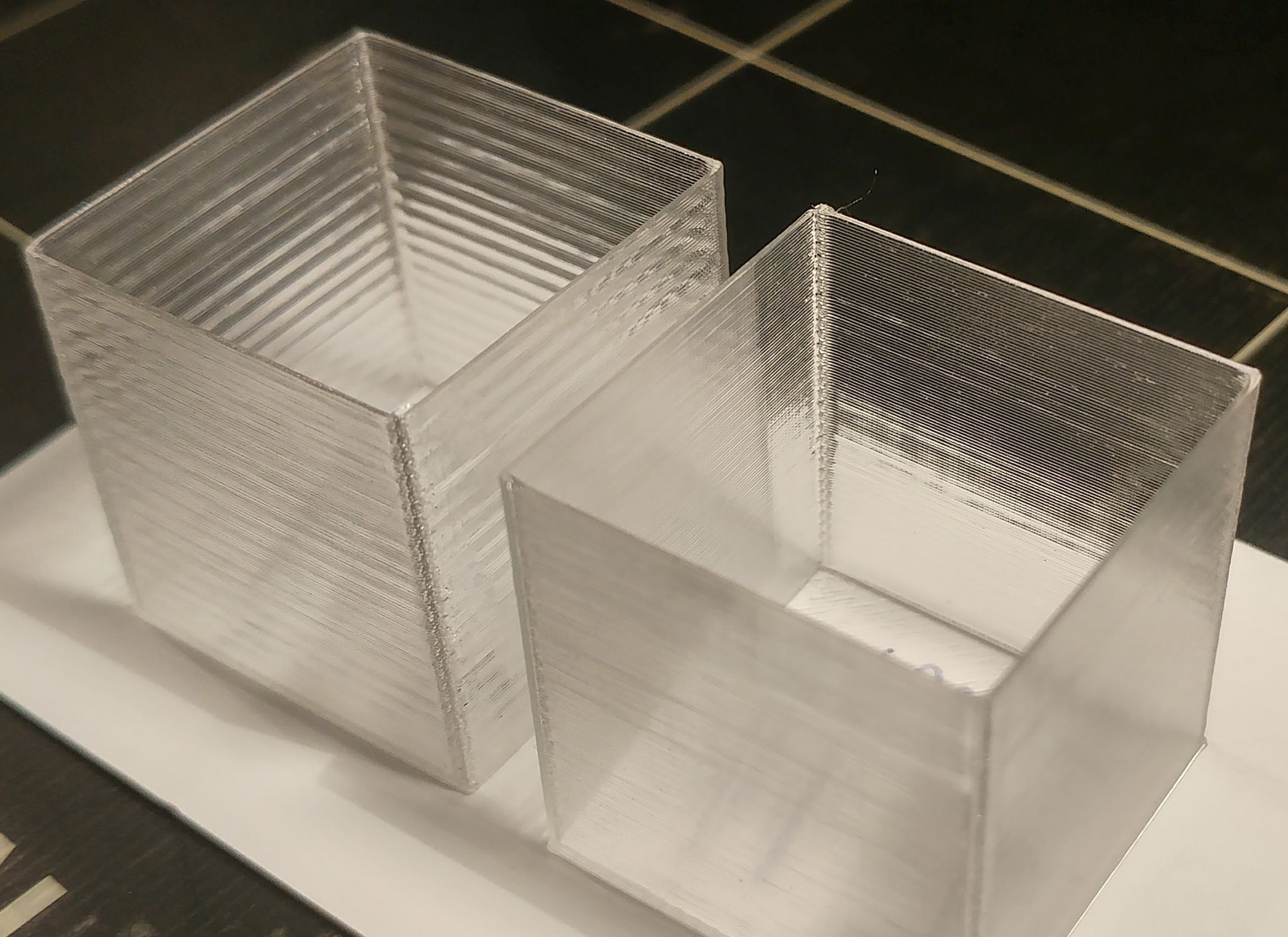
BTW, Most of my Z banding was temperature . I stumbled across this by accident last night.
IMG_20200302_222739953.webp

Still there is ripples along the y axis, not sure what is causing that

IMG_20200303_133726325.webp
 
Wow eh, I will have to get this PID working then .

@lowfat
I think I got it working, posted a question in the other thread..
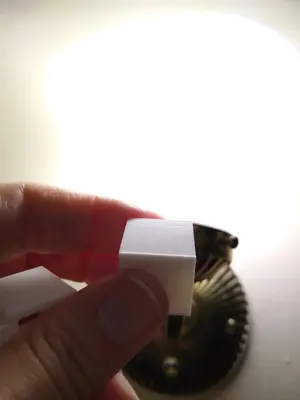
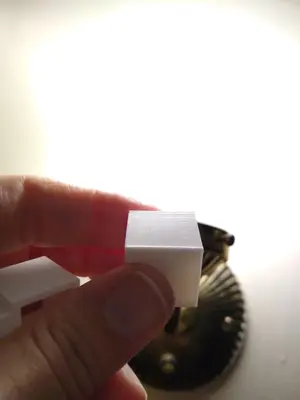
Looking good after the PID but it didnt sold the y ripples. I guess a new board with less vibrations might do the trick..

IMG_20200303_223618523.jpgIMG_20200303_223626705.jpgIMG_20200303_223629839.jpgIMG_20200303_223648290.jpg

There is also some overshot? edges , that normal for .2mm layer height ?
 
Last edited:

Latest posts

Back
Top